Staring at screens in a poorly lit, bone-dry room accelerates visual fatigue faster than you might realize, leaving you with blurry vision and tension headaches by mid-afternoon. Proper indoor design transforms your home into a soothing visual environment that actively prevents dry eye syndrome and strain. When relative humidity drops below optimal levels, your tear film evaporates rapidly, while harsh overhead lighting forces your ciliary muscles to work overtime. By strategically combining targeted humidity control, layered illumination, and smart interior layouts, you can dramatically improve your ocular comfort. Implementing these specialized adjustments protects your long-term vision, boosts your daily focus, and completely eliminates the midday screen glare that ruins your productivity.
The Science of Ocular Comfort and Indoor Air Quality
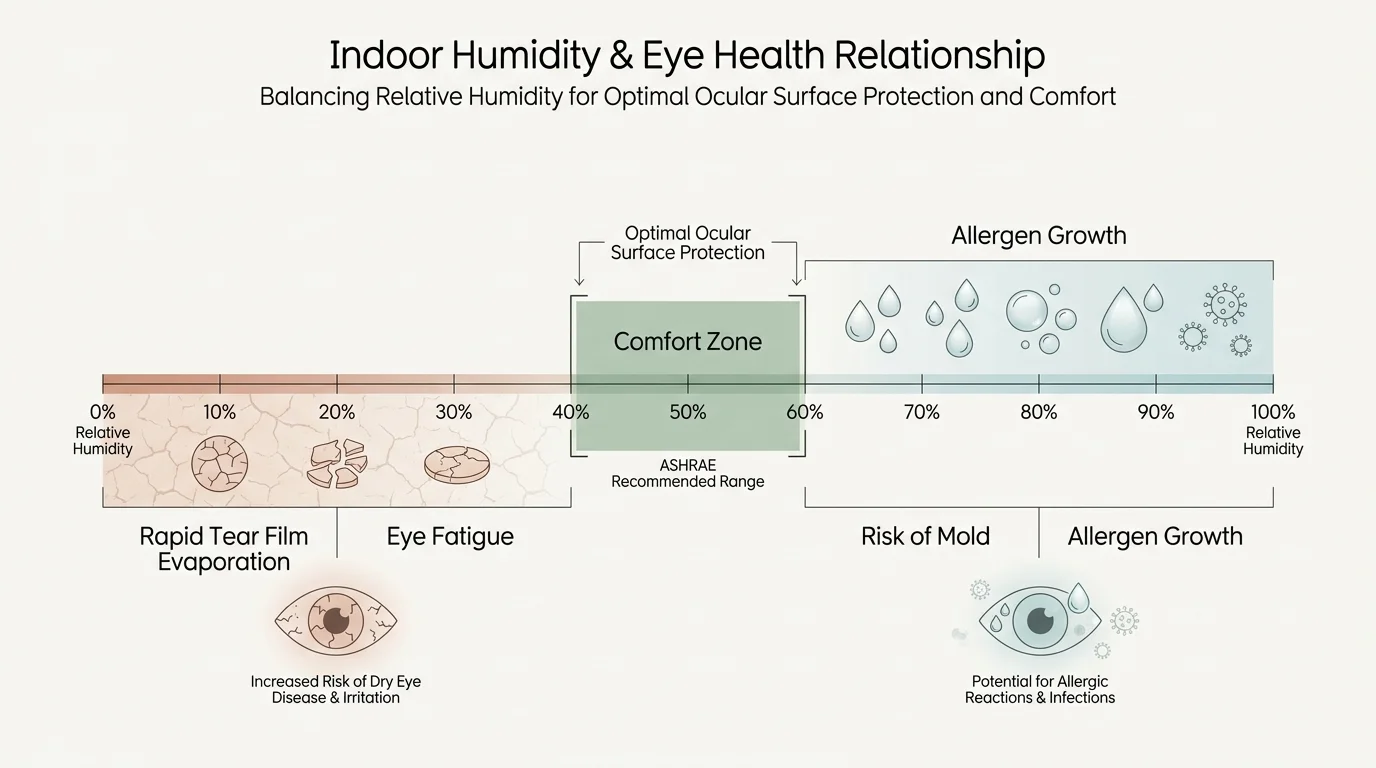
Your eyes react immediately to harsh illumination and poor air quality. The surface of your eye relies on a delicate tear film that requires a specific atmospheric balance to remain intact. When indoor humidity plunges below forty percent—a common occurrence during winter months when central heating strips moisture from the air—this protective layer evaporates rapidly. The resulting condition causes severe fatigue, burning sensations, and blurred vision that standard reading glasses cannot fix.
Furthermore, the relationship between humidity, lighting, and building materials creates a complex web of environmental triggers. Dry air increases the concentration of airborne particulates like dust and pet dander because these particles become lighter and remain suspended longer. When your eyes are already compromised by a deficient tear film, these floating irritants provoke allergic reactions that compound visual strain. According to guidelines published by the American Society of Heating, Refrigerating and Air-Conditioning Engineers, maintaining indoor relative humidity between forty and sixty percent prevents the ocular surface from drying out while simultaneously keeping airborne allergens safely at bay.
1. Optimize Relative Humidity for Tear Film Stability
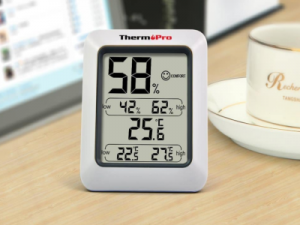
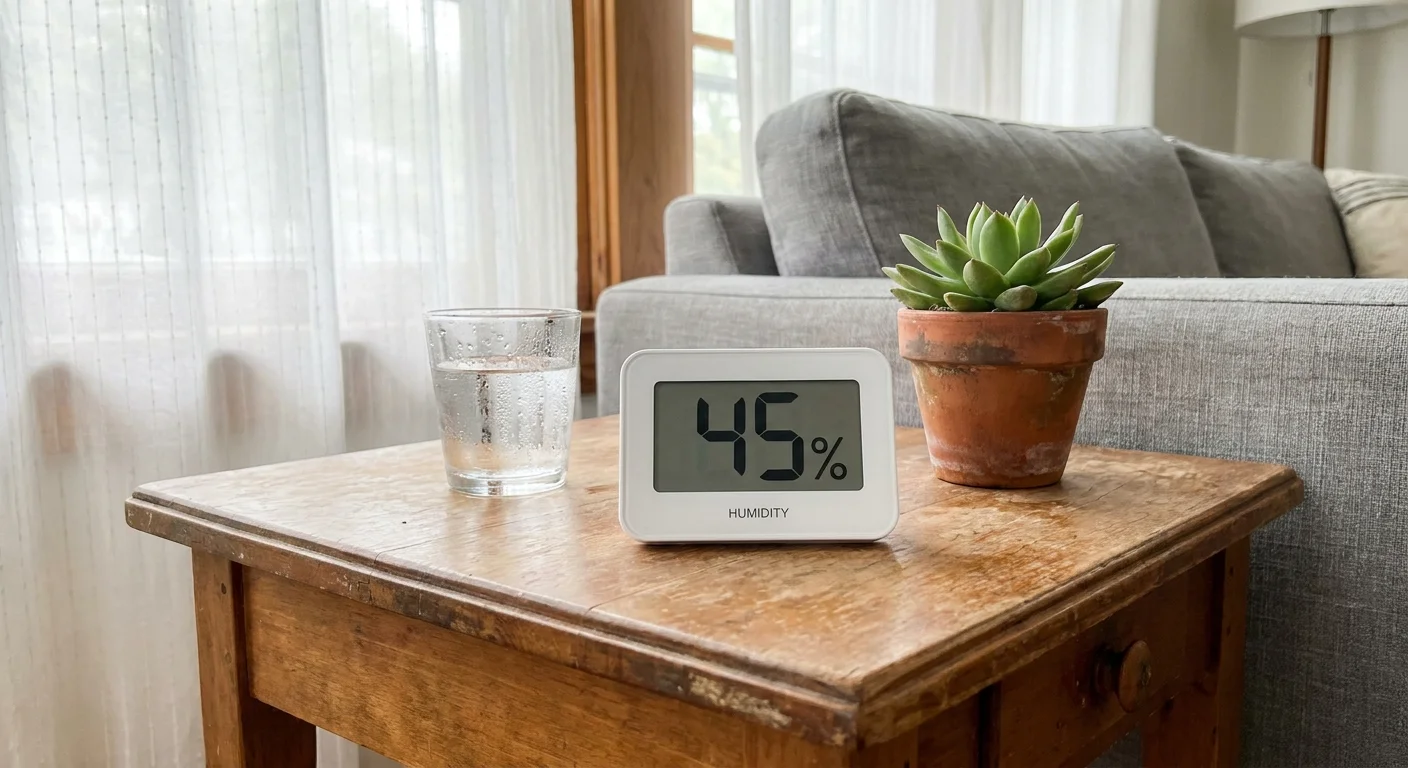
Maintaining an optimal moisture level stands as the most critical defense against screen-induced eye fatigue. If your indoor air resembles a desert, no amount of expensive desk lamps or ergonomic monitors will resolve your discomfort. Aim to keep your home ambient humidity right around forty-five percent, which provides robust tear film stability without risking moisture damage to your drywall or hardwood floors. Consider placing a reliable digital hygrometer in your primary living space to track these metrics; you will likely notice a direct correlation between days with low humidity readings and evenings when your eyes feel gritty and exhausted.
2. Implement Zoned Task Lighting
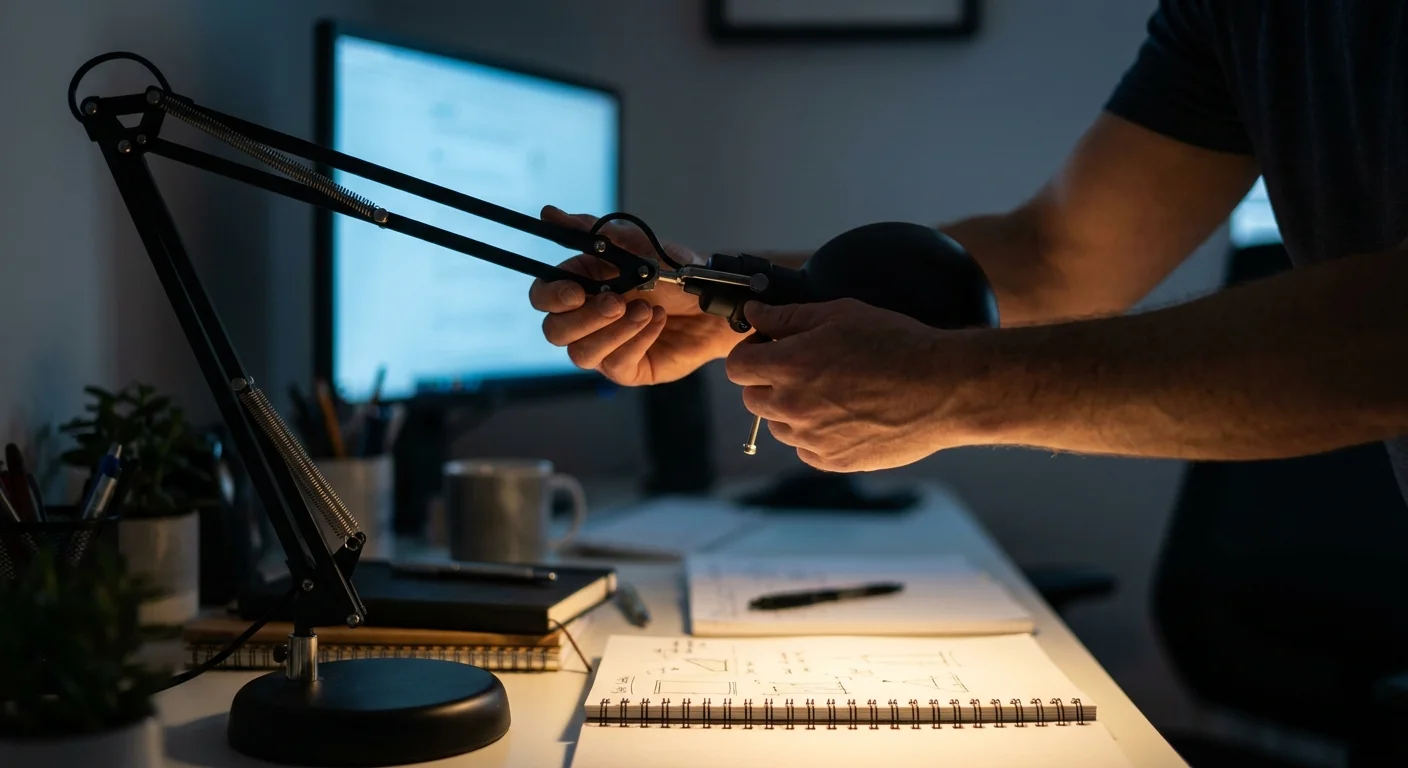
Relying exclusively on intense overhead fixtures creates aggressive shadows and forces your pupils to constantly adjust, which accelerates muscle fatigue. Implementing zoned task lighting allows you to control the exact amount of illumination hitting your work surface or reading material. Position an adjustable desk lamp with a fully articulated arm precisely where you need it, ensuring the beam illuminates your documents rather than reflecting off your computer screen directly into your retinas. By lowering the general ambient light in the room and relying on these targeted light sources, you create a visually soothing environment that dramatically reduces the workload on your optic nerves.

3. Install Whole-House Humidification Systems
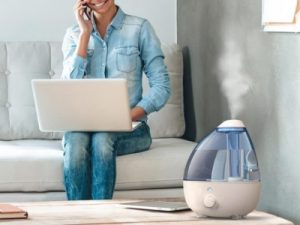
While portable humidifiers offer localized relief, they often struggle to condition the air effectively across an entire open-concept living space. For a comprehensive mechanical solution, consider installing a whole-house bypass or fan-powered humidifier directly into your existing HVAC system. These units introduce precise amounts of water vapor into your ductwork, distributing conditioned air evenly throughout every room in your home. This systemic approach ensures that whether you are cooking in the kitchen or reading in bed, your eyes benefit from a consistent, protective moisture envelope. Professional installation guarantees proper calibration, preventing the unit from over-humidifying the space and causing secondary structural issues.
4. Eliminate Glare with Strategic Window Treatments
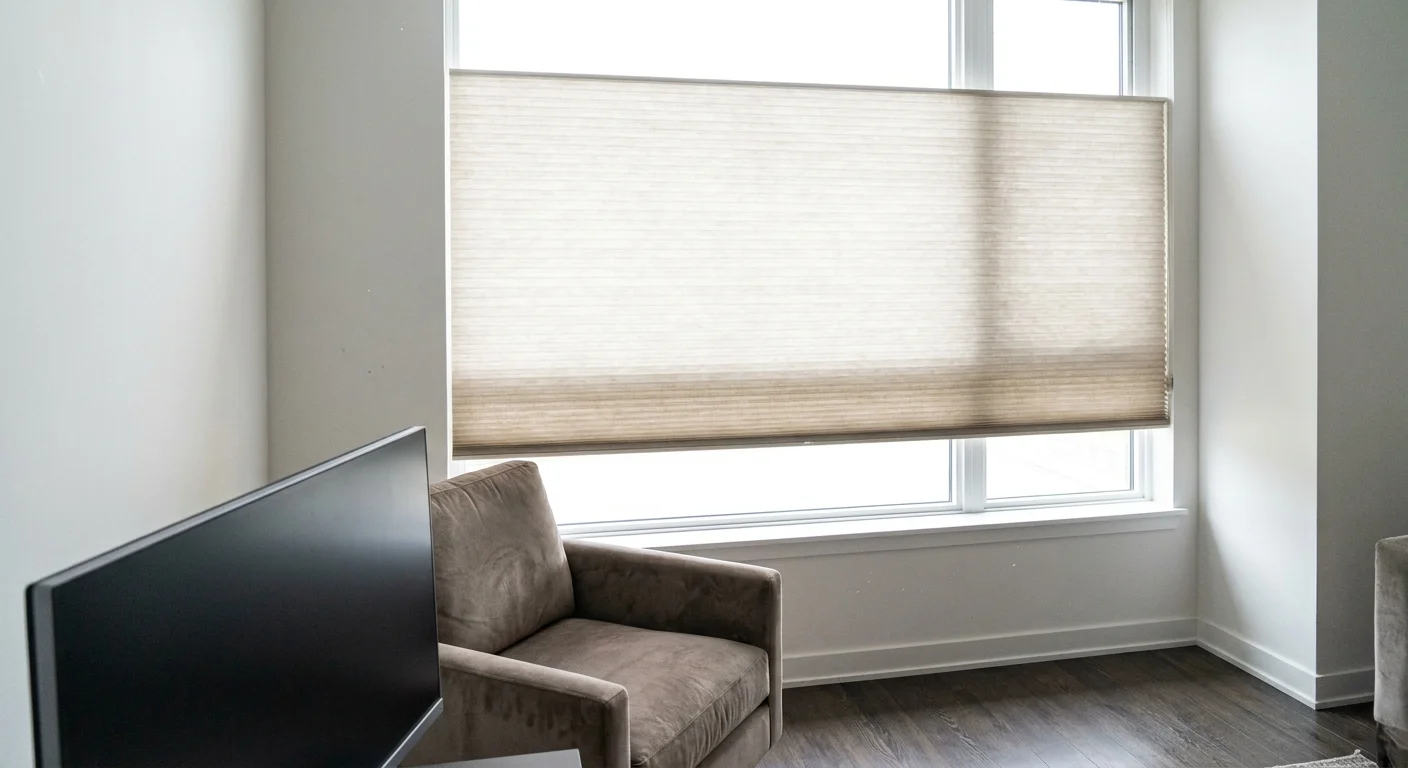
Unfiltered sunlight streaming through bare windows creates debilitating glare that washes out digital displays and forces you to squint aggressively. Strategic window treatments offer an elegant design fix that gives you complete control over natural light infiltration. Install top-down, bottom-up cellular shades to block harsh direct rays while still allowing ambient daylight to softly illuminate the ceiling. For south-facing windows that receive intense afternoon sun, solar roller shades with a three percent openness factor filter out harsh ultraviolet rays and eliminate screen reflections while preserving your view of the outdoors.
5. Balance Contrast with Bias Lighting
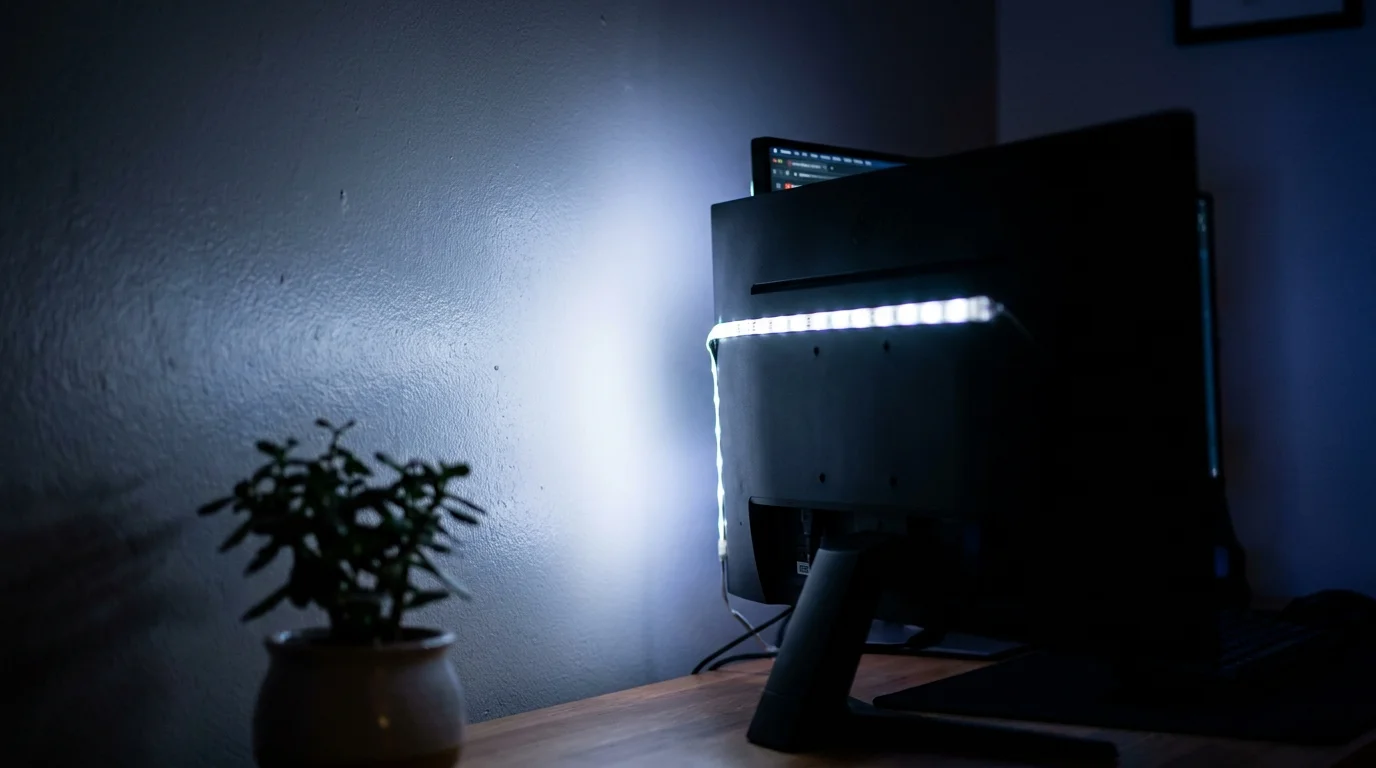
Staring at a bright monitor in an otherwise dark room creates extreme visual contrast, forcing your eye muscles to continuously expand and contract as your gaze shifts away from the screen. Bias lighting solves this problem by placing a soft, diffused light source directly behind your monitor or television. This subtle illumination raises the ambient light level of the wall behind the display, bridging the severe contrast gap between the glowing screen and the darkened room. You can easily achieve this by attaching a simple LED strip to the back of your monitor, instantly reducing the harshness of the display and allowing your eyes to relax.
6. Select Matte Finishes for Walls and Surfaces
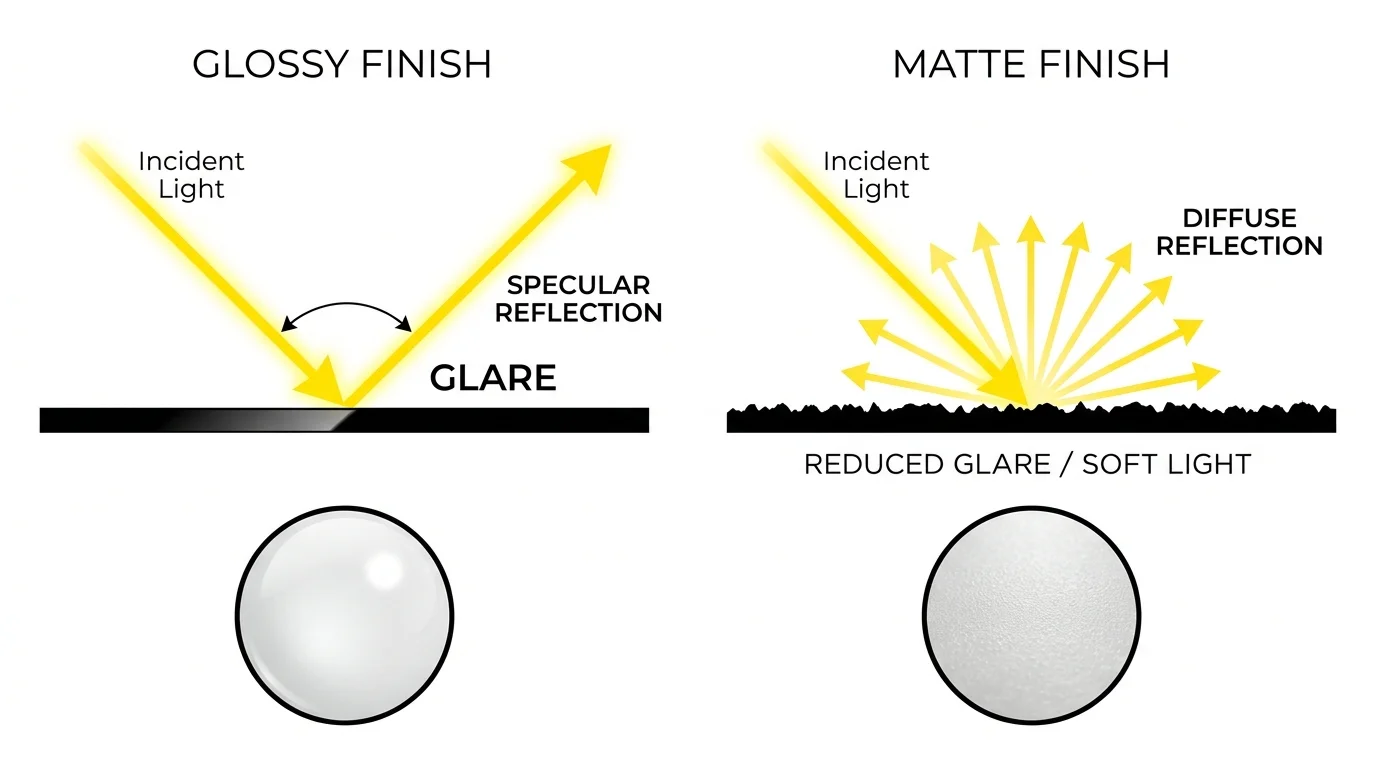
Glossy paint finishes and polished countertops act like mirrors, bouncing harsh light directly into your line of sight and creating microscopic glare points that exhaust your vision over time. When redesigning your home office or living room, deliberately select matte or eggshell paint finishes for your walls and ceiling to diffuse light softly across the space. Extend this philosophy to your furnishings by choosing desks with natural wood grains or matte laminate surfaces rather than high-gloss glass or polished metal. These subtle material choices absorb excess light, creating a gentle visual landscape that requires significantly less effort to navigate.
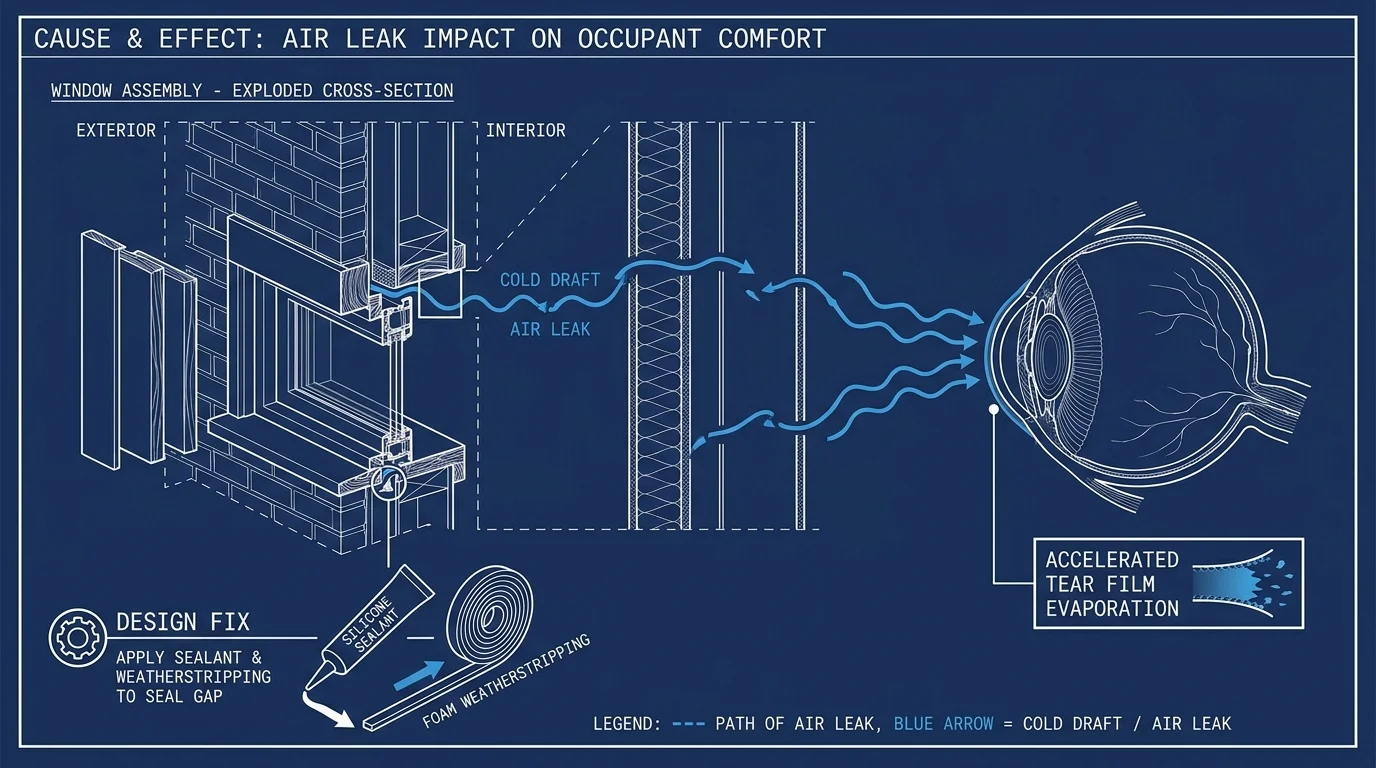
7. Address Air Leaks to Prevent Draft-Induced Dry Eye
Drafty windows and poorly sealed exterior doors introduce a constant flow of unconditioned, dry air that strips moisture from your indoor environment and physically blows across your face, accelerating tear evaporation. Preventive maintenance plays a crucial role in your overall visual comfort strategy. Inspect the weatherstripping around your entryways and consult the Energy Star program to properly apply high-quality silicone caulk to visible gaps around your window frames. By tightening your building envelope, you trap beneficial humidity inside and completely eliminate the microscopic indoor breezes that cause chronic dry eye.
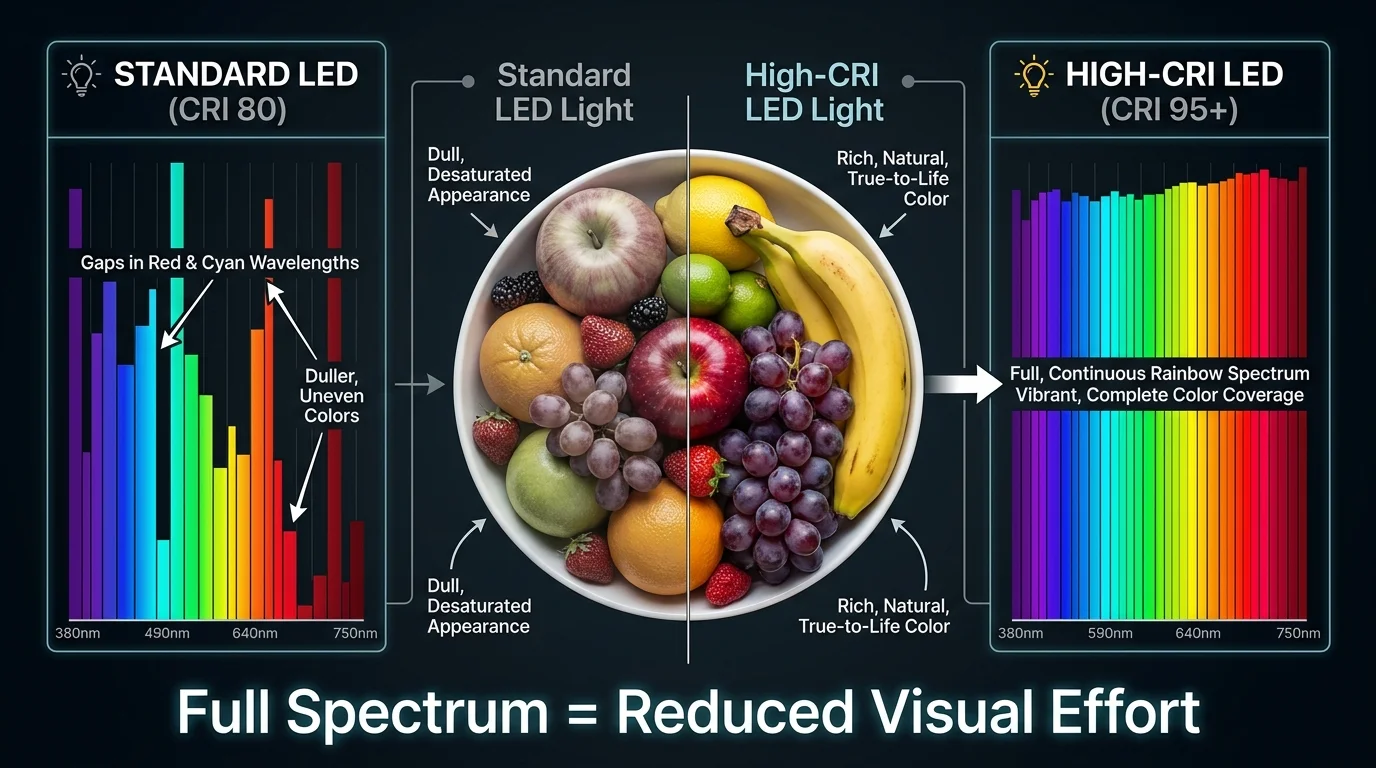
8. Upgrade to High-CRI Bulbs
Standard LED bulbs often emit a fragmented light spectrum that renders colors poorly and creates a subtle, high-frequency flicker that your brain registers even if your conscious mind does not. Upgrading to high-Color Rendering Index bulbs transforms the visual quality of your home. Seek out bulbs with a CRI rating of ninety or higher, which mimic the full, continuous spectrum of natural sunlight. These premium light sources reveal colors accurately, providing a smooth, flicker-free illumination that dramatically reduces the neurological processing power required to interpret your surroundings.
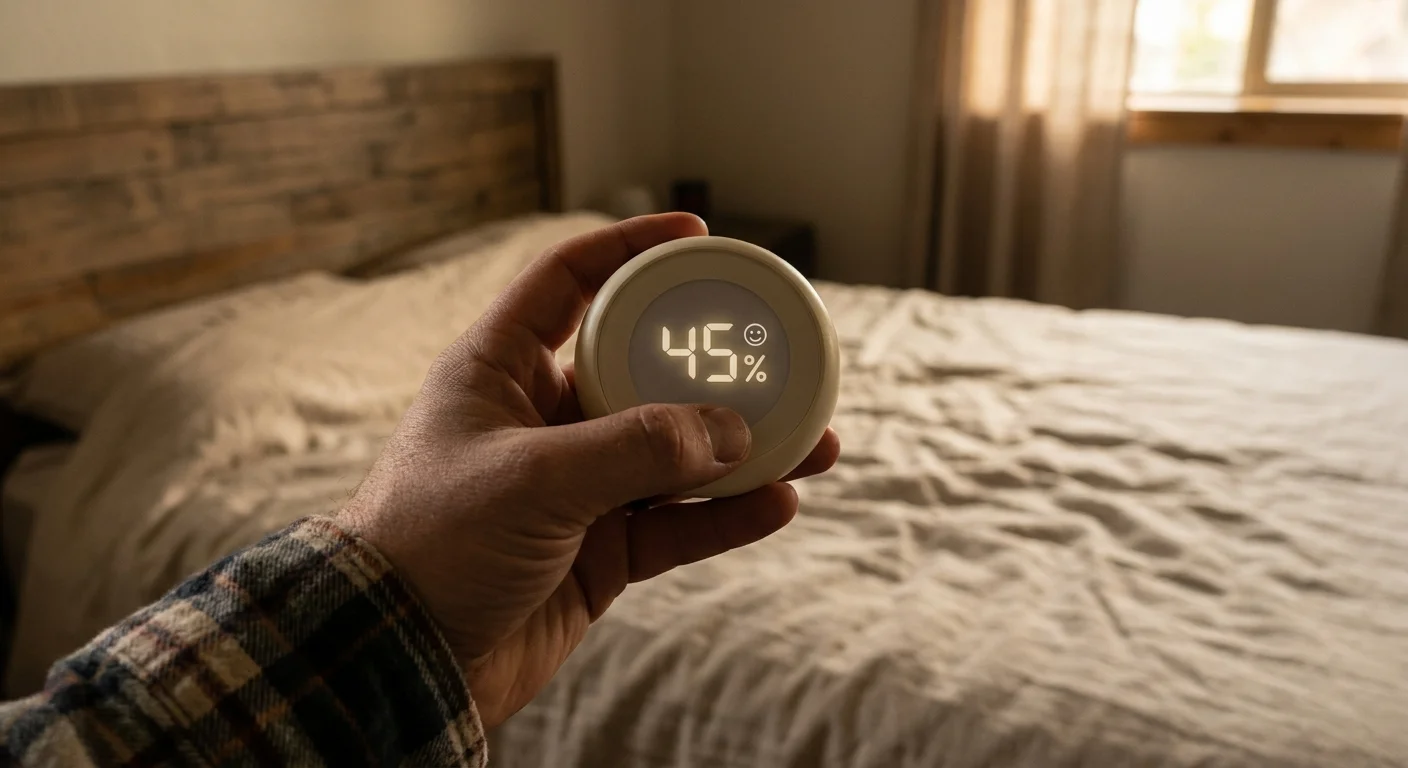
9. Monitor Indoor Climate with Smart Hygrometers
You cannot manage what you do not measure, and relying on physical sensation alone often means you only notice low humidity once the ocular damage is already done. Incorporating smart environmental monitors into your interior design provides real-time data on your indoor climate. Place these unobtrusive devices on bookshelves or side tables in the rooms where you spend the most time. Many modern hygrometers connect directly to your smartphone, sending push notifications the moment your room drops below the forty percent threshold. This proactive monitoring approach allows you to adjust your humidifier or open a window long before your eyes begin to ache.
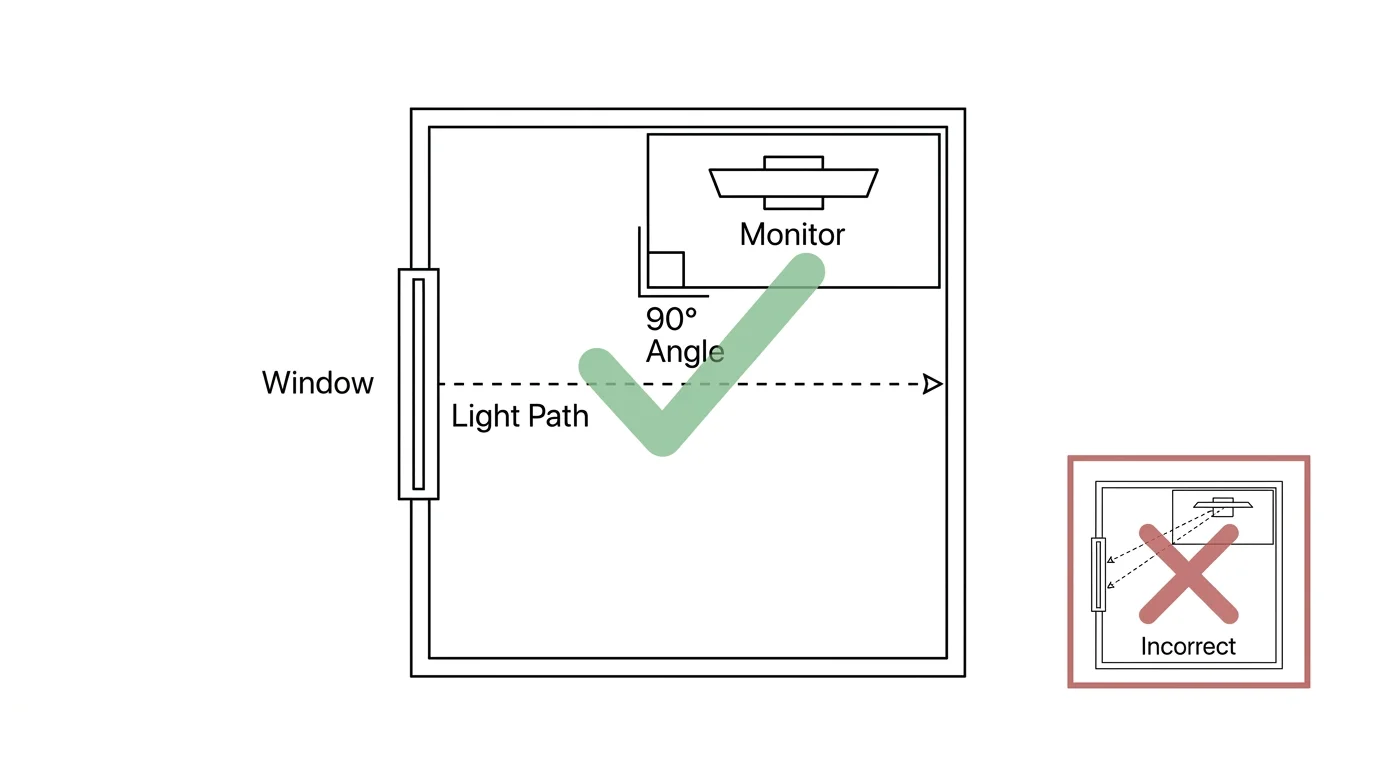
10. Position Screens Perpendicular to Light Sources
The physical layout of your furniture dictates how light interacts with your technology. Placing your desk directly facing a window forces you to stare into bright daylight, causing pupil constriction that tires your eyes quickly. Conversely, positioning your desk with your back to the window creates unavoidable, blinding screen reflections that obscure text and images. The optimal design fix involves placing your workstation perpendicular to your primary natural light source. This orientation allows beneficial sunlight to illuminate your workspace from the side, entirely bypassing your monitor’s reflective surface and keeping direct, harsh rays out of your direct line of sight while still providing excellent ambient illumination for non-screen tasks.

Expert and Homeowner Perspectives
Understanding the intersection of building science and human biology requires input from specialists who diagnose these environmental challenges daily. Dr. Sarah Jenkins, an ophthalmologist specializing in environmental ocular disorders, notes that older patients frequently mistake home climate issues for declining eyesight, when in reality, optimized ambient humidity is vital for seniors managing age-related dry eye. She explains that adjusting screen brightness only solves half the equation; if the ambient air pulls moisture from the cornea, the resulting inflammation will blur your vision regardless of your prescription.
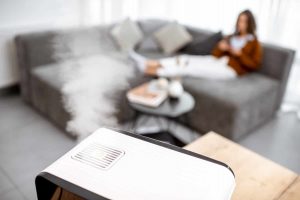
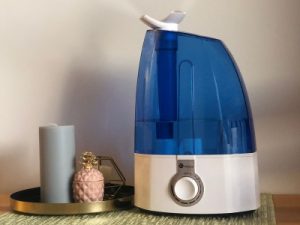
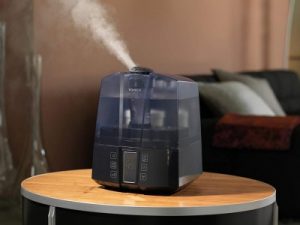
From the mechanical side, veteran HVAC contractor Marcus Thorne emphasizes the crucial role of systemic design. He regularly encounters homeowners running multiple portable humidifiers in a desperate attempt to fix dry air. Thorne advises that a properly calibrated whole-house humidifier stabilizes indoor relative humidity for better eye health while protecting hardwood floors from stress fractures. Renters who cannot alter their central ductwork often echo this sentiment. Maria Gonzalez, a remote worker living in a historic apartment, found that combining localized evaporative humidifiers with heavy velvet blackout curtains completely eliminated the afternoon glare and dry air that previously caused her debilitating ocular migraines.
Safety and Caution: When Humidity Management Goes Wrong
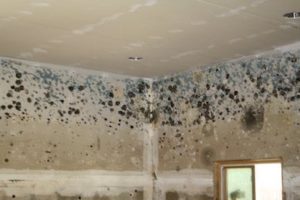
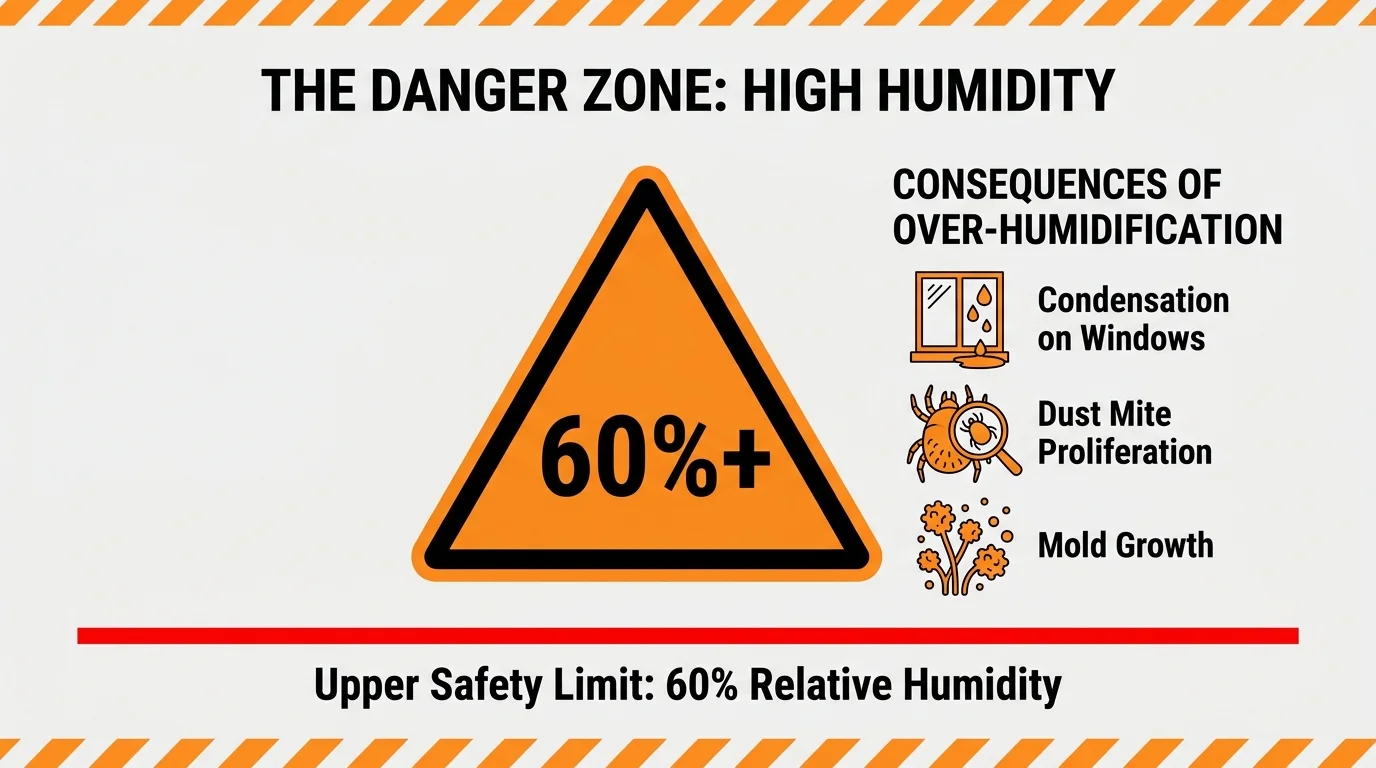
While elevating indoor moisture levels provides immense relief for strained eyes, excessive humidity introduces serious structural and health risks that demand careful attention. Pushing your home relative humidity above sixty percent creates a highly hospitable environment for dust mites and encourages rapid mold proliferation inside wall cavities. When warm, moist air makes contact with poorly insulated exterior windows during the winter, massive condensation occurs. This pooling water rots wooden window sills and feeds mold colonies that trigger severe respiratory distress.
The Centers for Disease Control and Prevention and the Environmental Protection Agency explicitly warn against allowing indoor humidity to linger at elevated levels, which promotes dangerous fungal growth. Conversely, extreme low humidity not only exacerbates dry eye but also generates dangerous electrostatic shocks that can damage sensitive household electronics. You must strike a delicate balance. If you notice persistent condensation dripping down your window panes, damp spots forming on your ceiling, or a distinct musty odor in your basement, immediately dial back your humidification system. Should these symptoms persist despite your adjustments, contact a certified indoor air quality specialist to assess your home ventilation and structural integrity.
Frequently Asked Questions About Eye Strain and Home Climate
Can poor indoor air quality really cause blurred vision?
Absolutely. High concentrations of indoor pollutants, combined with low humidity, degrade the protective lipid layer of your tear film. When this layer breaks down, your cornea becomes exposed to microscopic dust and volatile organic compounds, leading to inflammation and temporary blurred vision that fluctuates throughout the day.
What is the best lighting color temperature for reducing eye fatigue?
For daytime focus, light bulbs with a color temperature between three thousand and four thousand Kelvin provide a crisp, alerting light that mimics afternoon sun. For evening relaxation, switch to warmer bulbs under twenty-seven hundred Kelvin to reduce blue light exposure, which helps your ciliary muscles naturally relax.
How do I increase humidity if I live in a rental without central HVAC?
Renters can achieve excellent results using high-capacity evaporative console humidifiers, which do not require permanent installation. Placing one of these units in a central hallway allows moisture to naturally diffuse into adjacent rooms, providing whole-apartment coverage. Additionally, simple habit changes like leaving the bathroom door open after a hot shower can noticeably boost ambient moisture levels and improve your daily comfort.
Why do my eyes feel worse in the winter even when I stay inside?
Winter air holds significantly less moisture than summer air. When your home heating system warms this frigid outdoor air, the relative humidity plummets drastically, sometimes dropping below twenty percent. This bone-dry environment acts like a sponge, pulling moisture directly from your eyes, skin, and respiratory tract.
Take Action for Better Vision Today
Over the next twenty-four hours, purchase an inexpensive digital hygrometer and place it on the desk or table where you spend the most time reading or working. Once you know your exact humidity levels, you can make targeted, intelligent adjustments to your lighting and air quality. Protect your long-term ocular health by taking control of your indoor climate today; your eyes will thank you for the daily relief.